
Best Smart Thermostat: Features to Compare
Shopping for the best smart thermostat starts with your HVAC system, not the device's screen. A model with impressive features can still be a poor fit if it cannot control your equipment.
Talk with Miranda Home Services about thermostat installation.
The right thermostat should match your wiring, heating and cooling stages, comfort goals, smart home platform, and privacy preferences. This guide explains what to compare before you buy.
What makes a smart thermostat a good fit?
A good smart thermostat matches your HVAC equipment, daily routines, home network, and comfort priorities. It should offer useful control without adding features your system cannot use. Professional compatibility checks can prevent wiring problems and limited performance after installation.
Smart thermostats usually connect to Wi-Fi and offer app-based control. Many also support schedules, occupancy features, geofencing, energy reports, and voice assistants. Feature lists vary widely, so compare the system behind each feature.
How should you check HVAC compatibility?
HVAC compatibility is the first buying filter because thermostat wiring carries control signals between the thermostat and equipment. Check the system type, number of heating and cooling stages, heat pump configuration, and available wiring before selecting a model.
Common compatibility questions include:
- Does your home use central air conditioning, a heat pump, a furnace, or another system?
- How many heating and cooling stages does the equipment have?
- Does the system use auxiliary or emergency heat?
- Is a common wire, often called a C-wire, available?
- Does the thermostat support dual-fuel or other specialized equipment?
- Can the selected model control accessories such as a humidifier or dehumidifier?
A C-wire can provide continuous power for some smart thermostats. Some models use an adapter or another power method instead. Those workarounds are not universal, and compatibility depends on the equipment and installation.
Manufacturers provide compatibility tools, but a tool cannot replace a complete system check. Resideo's thermostat wiring compatibility guide shows why terminal wiring and equipment type both matter.
Which scheduling features are worth comparing?
Scheduling features are valuable when they reduce unnecessary heating or cooling while preserving comfort. Compare fixed schedules, learning schedules, geofencing, vacation settings, and temporary temperature holds.
A fixed schedule lets you set temperatures for recurring periods. This option works well when your routine stays consistent. It also gives you direct control over comfort changes.
A learning schedule studies patterns and suggests adjustments. Learning behavior varies by product and household. Review the controls so the thermostat does not change temperatures unexpectedly.
Geofencing uses a phone's location to recognize when household members leave or return. It can be useful, but it depends on phone settings and account permissions. Ask whether every household member can be included.
Vacation settings can help seasonal residents manage an empty home. Choose a model that makes temporary settings easy to review. Florida homeowners should also consider humidity and equipment protection during long absences.
Do room sensors improve comfort?
Room sensors can improve comfort when one thermostat location does not represent the whole home. They measure conditions in selected rooms and may help the system prioritize those areas. Their value depends on placement and HVAC zoning.
Compare how each thermostat uses sensors:
- Some sensors measure temperature in a remote room.
- Some detect occupancy and adjust which room receives priority.
- Some support schedules that prioritize different rooms at different times.
- Some systems offer sensors as optional accessories.
- Some thermostats cannot create separate temperatures without compatible zoning.
A sensor cannot make a single-zone system behave like a multi-zone system. It may change the temperature target for the whole system. That can improve one room while affecting another room.
Think about the rooms that feel uncomfortable first. A sunny bedroom, nursery, home office, or distant second floor may benefit from more accurate readings. Place sensors away from direct sunlight, vents, doors, and heat-producing appliances.
How does humidity control affect a smart thermostat choice?
Humidity control deserves extra attention in Florida because indoor comfort depends on moisture as well as temperature. A thermostat may display humidity, request dehumidification, or support an accessory. Those functions are not available on every system.
Compare whether the thermostat can:
- Display indoor relative humidity.
- Set a humidity target.
- Control a compatible whole-home dehumidifier.
- Coordinate with HVAC cooling cycles.
- Warn about unusual moisture conditions.
Humidity readings do not prove that a thermostat controls moisture. The HVAC equipment must support the requested function. Wiring, system design, and installer configuration also affect the result.
If your home feels damp after cooling, ask an HVAC professional to evaluate airflow, drainage, equipment sizing, and moisture control. Replacing the thermostat alone may not solve the underlying issue.
Miranda Home Services offers thermostat installation and repair along with broader HVAC services. A system review can clarify which features your equipment can use.
Which connectivity and smart home features matter?
Connectivity features affect daily convenience, reliability, and account security. Compare the mobile app, Wi-Fi requirements, voice assistant support, integration options, outage behavior, and update process.
| Feature | What to compare | Why it matters |
|---|---|---|
| Mobile app | Remote temperature changes, schedules, alerts, and sharing | Controls how easily your household manages comfort |
| Wi-Fi connection | Network requirements, signal strength, and setup process | Affects installation and remote access |
| Voice control | Supported assistants and available commands | Helps users make quick adjustments |
| Smart home integration | Supported platforms and automation routines | Determines whether the thermostat works with existing devices |
| Internet outage behavior | Local schedules and manual controls when Wi-Fi is unavailable | Helps maintain basic comfort during service interruptions |
| Software updates | Update process, support period, and notification settings | Can affect features and long-term usability |
Do not assume every smart thermostat works with every voice assistant. Check the current product specifications before buying. Compatibility can change between models in the same product family.
A stable local schedule is useful when internet access is interrupted. Remote app control may stop during an outage, depending on the model. Manual controls should remain clear for everyone in the home.
What privacy questions should you ask?
Smart thermostats can collect account, device, location, usage, and home environment data. The exact information depends on the product, app, integrations, and settings. Review the privacy policy before creating an account.
Look for clear answers to these questions:
- What data does the company collect from the thermostat and app?
- Is location data required for geofencing?
- Can you disable optional data sharing?
- Which integrations can access your thermostat?
- How long does the company retain account or usage data?
- Does the account support strong passwords and two-factor authentication?
- How can you delete the account or transfer the device?
Use a unique password for the thermostat account. Enable two-factor authentication when available. Limit third-party integrations to services your household actually uses.
Privacy preferences can outweigh advanced automation. A simpler model may be the better choice if you prefer fewer connected services. Convenience should fit your comfort with data sharing.
Should you install a smart thermostat yourself?
Professional installation is worthwhile when wiring, equipment type, or accessories are unclear. A technician can verify compatibility, identify unusual system configurations, connect the device, and test heating and cooling operation.
Professional help is especially sensible when:
- The old thermostat has unfamiliar terminals or damaged wiring.
- Your system uses a heat pump, auxiliary heat, or dual-fuel operation.
- You want humidity control or accessory integration.
- The home has multiple zones or remote sensors.
- The existing thermostat loses power or shows inconsistent readings.
- You are unsure how to shut off equipment power safely.
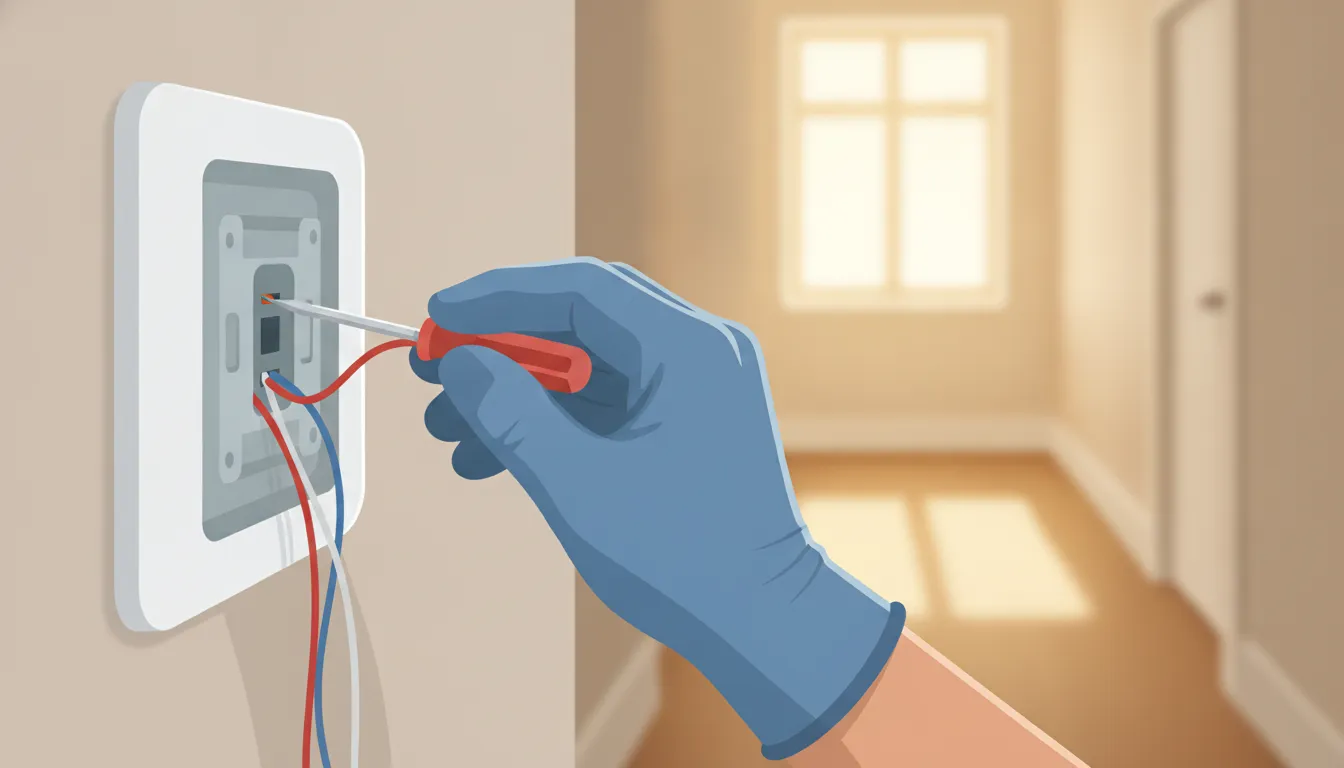
Turn off HVAC power before any wiring work. Take a clear photo of the existing connections. Do not rely on wire color alone because installations can differ.
After installation, test cooling, heating, fan operation, scheduling, app access, and any connected accessories. Confirm that the thermostat displays a reasonable temperature and humidity reading.
Miranda's HVAC services team can help homeowners review thermostat options and related comfort concerns. Contact the company before purchasing if you are unsure which features your system supports.
How can you compare smart thermostats before buying?
The best smart thermostat is the model that fits your equipment and priorities. Start with compatibility, then compare the features that solve a real comfort problem. Avoid paying for functions your HVAC system cannot use.
- Document your system: Identify the equipment type, stages, zones, accessories, and existing wiring.
- Confirm compatibility: Use the manufacturer's tool and ask a qualified HVAC professional about uncertain configurations.
- Choose comfort features: Decide whether scheduling, sensors, humidity control, or geofencing matters most.
- Check connectivity: Confirm app, network, voice assistant, outage, and integration requirements.
- Review privacy: Read the policy and choose account settings that match your preferences.
- Plan installation: Include compatibility verification, setup, testing, and future support.
ENERGY STAR explains that certified smart thermostats use Wi-Fi, scheduling, and other features to manage heating and cooling. Its smart thermostat guidance also emphasizes compatibility and network location.
Use those criteria to create a short list before comparing individual models. A neutral checklist makes it easier to separate useful features from marketing language.
Get help choosing and installing the right thermostat for your home.
Frequently Asked Questions
What is the best smart thermostat for every home?
There is no single best smart thermostat for every home. The right choice depends on HVAC compatibility, wiring, comfort goals, smart home preferences, and privacy expectations. A professional compatibility check can narrow the options before you buy.
Do smart thermostats work with all HVAC systems?
Smart thermostats do not work with every HVAC system. Heat pumps, multistage equipment, dual-fuel systems, and accessory controls may have special requirements. Check the product specifications and wiring before replacing an existing thermostat.
Does a smart thermostat need a C-wire?
Some smart thermostats need a C-wire for continuous power, while others support an adapter or alternative setup. The correct answer depends on the thermostat and HVAC equipment. Never assume wire color or a missing wire proves compatibility.
Can a smart thermostat control humidity?
A smart thermostat can control humidity only when the thermostat, HVAC equipment, wiring, and configuration support that function. Some models only display humidity. An HVAC professional can determine whether your system supports dehumidification control.
Are remote room sensors worth it?
Remote room sensors can help when one thermostat does not represent the home's comfort. They work best when placed in rooms with a clear comfort problem. Sensors cannot create independent zones unless the HVAC system supports zoning.
Can I install a smart thermostat myself?
Some homeowners can complete simple installations after confirming compatibility and safely shutting off power. Professional installation is safer for heat pumps, multistage systems, unusual wiring, accessories, or uncertain configurations. Testing should follow every installation.
Contact Miranda Home Services for thermostat installation and HVAC guidance.
Need plumbing or HVAC service on the Treasure Coast?
Contact Miranda Plumbing & Air